TextFast, personal, and easy to answer.
The follow-up system for home-service businessesFollow up for years.
Follow up for years.
Without following up all day.
Build a sequence once. Campaigns automatically sends texts, emails, voicemail, postcards, and handwritten cards—so your company stays useful long after the job.
Included with Autopilot Pro Clients stay synced from Autopilot
Trigger
Contact added to Past Clients
Wait1 dayTextThanks again for trusting us with your project.Ready
Wait3 daysEmailA few useful ideas for your homeReady
Wait7 daysVoicemailA quick personal check-inReady
Wait90 daysPostcardHere whenever you need usReady
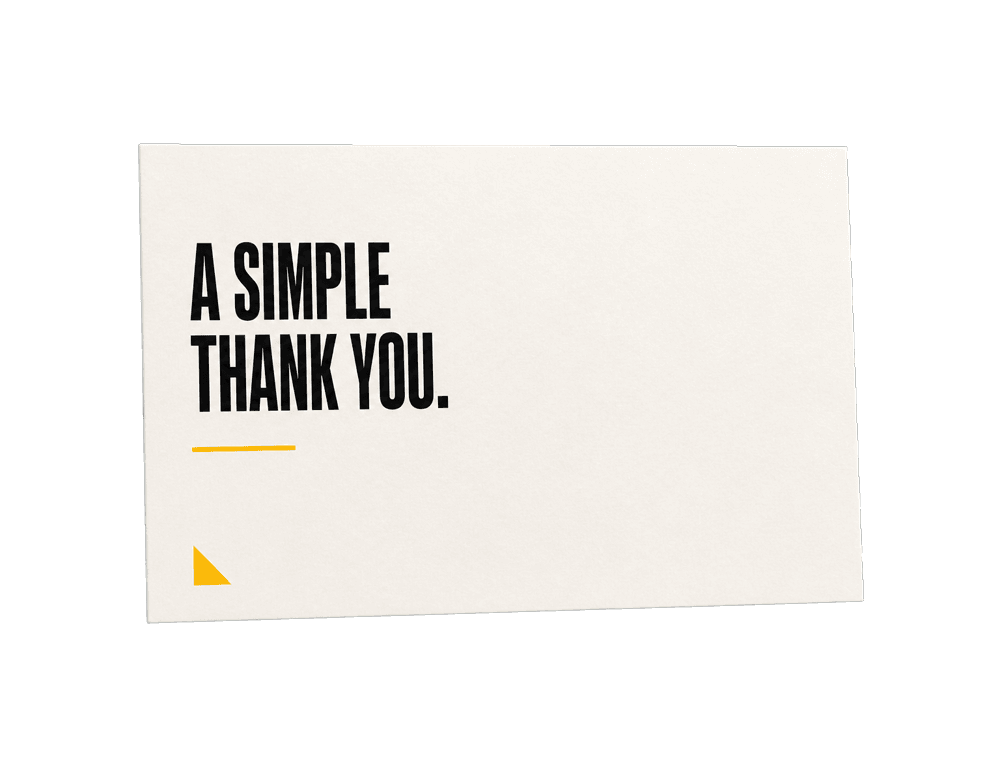
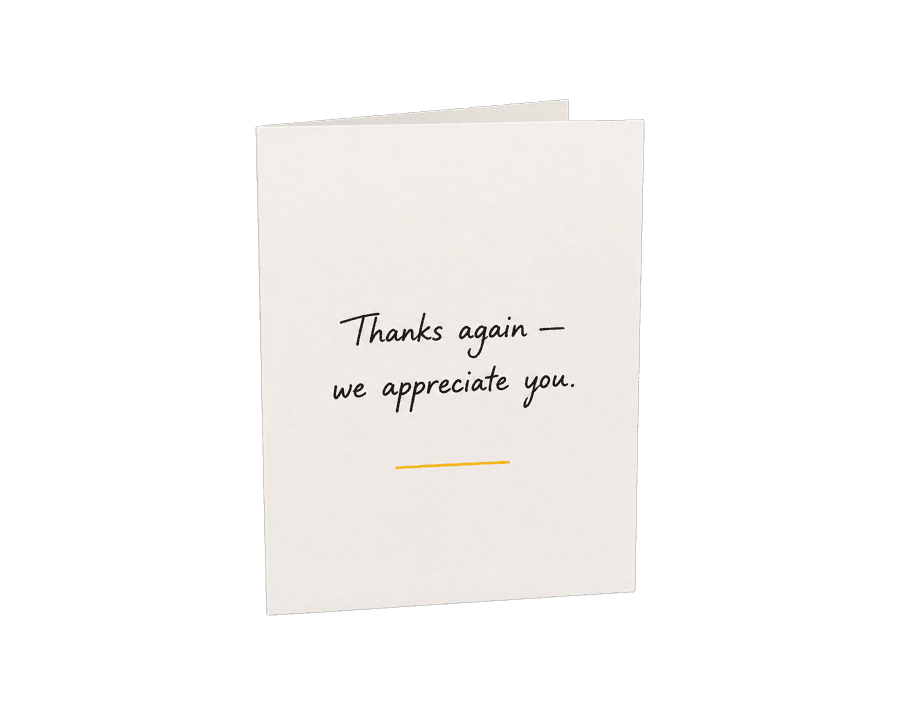
Wait1 yearHandwritten cardA real thank-you, automatically sentReady
End of sequence
+1 (555) 321-8847
Thanks again for trusting us with your project! How's everything holding up?
Reply STOP to opt out.VoicemailToday at 11:32 AM
0:18
One plan. Five ways to reach them.
EmailMore room for details, photos, and links.
VoicemailYour voice, delivered without interrupting them.
PostcardsA useful reminder that stays on the counter.
Handwritten cardsReal ink for moments worth remembering.
Sequences
Keep following up.
Sequences are for follow-up that should keep happening. Choose the messages and the waits once. Every customer moves through the plan automatically.
- Mix all five channels
- Start from a tag or birthday
- Pause when someone replies
TriggerClient added to Past Customers
Day 1Text messageThanks again for trusting us.
Day 4EmailA few ideas for your home
Day 14VoicemailQuick personal check-in
Day 90PostcardHere when you need us
1 yearHandwritten cardThank you for your business
Blasts
Reach everyone now.
Blasts are for one useful message that needs to go to many people. Pick the audience, choose a channel, review the cost, and send now or on your schedule.
- Filter by client, lead, or tag
- Skip recently contacted people
- Spread large text lists across days
Total recipients20,000Daily maximum4,000Sending window8 AM–5 PM
Mon4,000Tue4,000Wed4,000Thu4,000Fri4,000
How it works
From customer list to delivered message.
No marketing maze. You make five clear decisions and Campaigns handles the repetitive work.
Choose people
Use your whole list, a customer type, or an Autopilot tag.
Pick the channel
Send one kind of message or mix all five in a sequence.
Set the schedule
Choose the day, the wait, and the hours people can receive it.
See the cost
Review the audience and exact credit cost before anything leaves.
Send
Launch once. Campaigns handles each delivery and records what happened.
Connected to Autopilot
Your customer list is already ready.
Connect Autopilot once. Clients, leads, tags, phone numbers, email addresses, mailing addresses, and contact preferences stay current inside Campaigns.
- New clients arrive automatically
- Do-not-contact choices stay respected
- Every send appears in the client history
Autopilot client sync Connected
12,847people synced38tags availableLivecontact updates
MMaria GomezPast Customer
JJames TurnerAnnual Follow-up
AAlex MorganKitchen Estimate
Everything after “send”
See the conversation, not just the campaign.
Replies, opens, clicks, scans, and delivery history come back to one place—so you know what worked and who needs an answer.
Unified inboxAll replies
MG
Maria Gomez Sounds good—let's do it.
JT
James Turner Can you send me a few dates?
AM
Alex Morgan Thanks for checking in!
TrackingLast 30 days
1,284Email opens316Link clicks89QR scans
Replies stop the robot
Pause a sequence when someone answers, then continue as a real person.
Mail can be measurable
Add a reusable QR code to a postcard and see who scanned it.
Costs stay visible
Review every send cost and get warned before your credit balance runs low.
SPRING PROJECT?We're here
Designed with AI, edited by youWe're here
when you're ready.
Make it look like your company
Start with a template. Make it yours.
Build emails and postcards with visual editors, save the designs you use often, and personalize them automatically for every recipient.
- AI-assisted email starting points
- Drag-and-drop email blocks
- Postcard layout and QR tools
- First name and company merge tags
Included with Autopilot Pro
No extra monthly fee. Pay only when you send.
Campaigns is part of the top Autopilot Pro package. There is no separate Campaigns subscription; you only cover the delivery cost for each contact you reach.
No surprise totals. Before anything sends, Campaigns shows the number of contacts, the price per contact, and the exact total.
Send typeCost per contact
EmailSend updates, offers, and designed emails.Freeper contact
Text messagePlain texts are 5¢. Texts with a photo are 10¢.5¢per contact
Ringless voicemailDrop a recorded message without making the phone ring.10¢per contact
PostcardDesign, print, postage, and delivery are included.$1.50per mailed contact
Handwritten cardA real pen-written card, addressed and mailed for you.$3.50per mailed contact
For 100 contacts: emails cost $0, texts cost $5, voicemail drops cost $10, postcards cost $150, and handwritten cards cost $350.
Plain answers
Questions before you send.
What is the difference between a sequence and a blast?
A sequence is a reusable follow-up plan with multiple steps and waits. A blast is one message sent to one audience, either now or on a schedule.
Can I use all five channels in one sequence?
Yes. A single sequence can mix texts, emails, ringless voicemail, postcards, and handwritten cards in any order.
How do large text blasts get scheduled?
Choose the sending days, daily quantity, and sending window. Campaigns shows the exact number planned for each day, with a maximum of 4,000 recipients per day.
Will Campaigns respect do-not-contact choices?
Yes. Audience review removes people who cannot receive the selected channel, including applicable do-not-text and do-not-contact flags.
Do I need to upload my Autopilot customers?
No. Connect your Autopilot account and the client roster syncs automatically. CSV import is also available for lists outside Autopilot.
Can I see what each message will cost?
Yes. Campaigns shows the audience and credit cost before you launch a blast or enroll people in a sequence.
Stay remembered without living in your inbox.
Build the plan once. Let Campaigns keep it moving.
Get started